SAN DIEGO COASTAL TRAILS APP PROTOTYPE

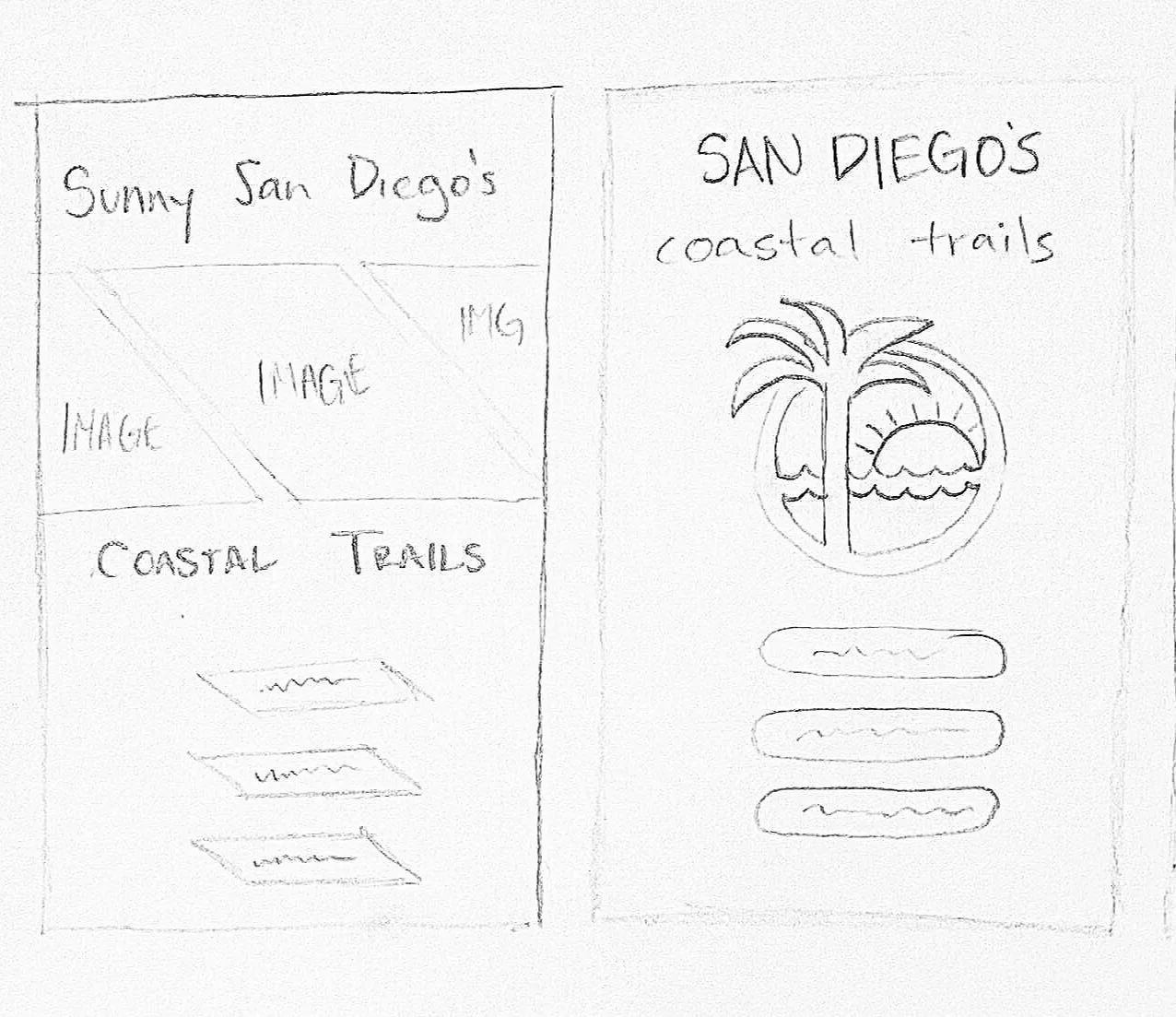
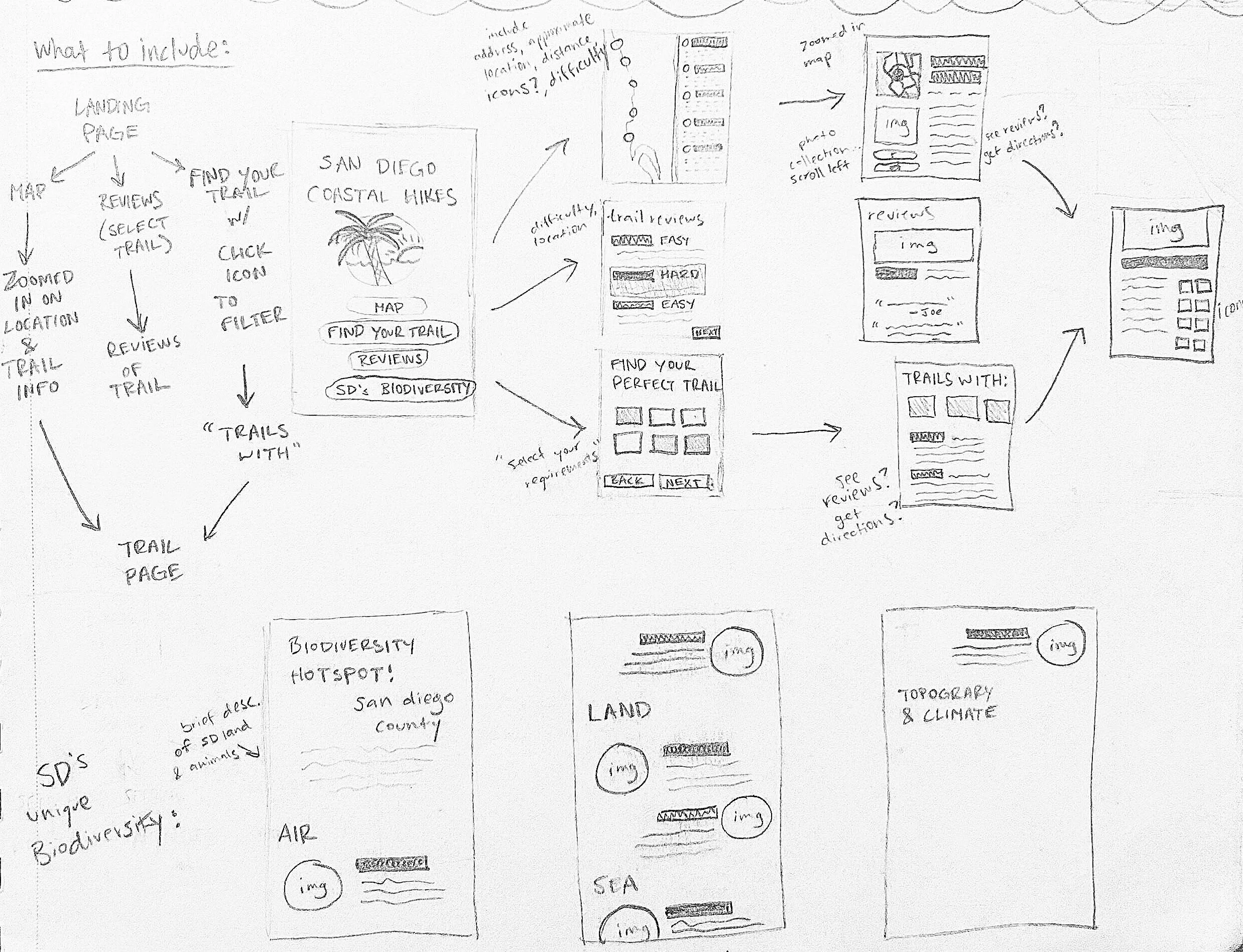
For this assignment, students were instructed to design a map + guide app prototype based off of specific user-personas. Being enamored with San Diego’s wide variety of hikes, I decided to design my app based on it’s beautiful coastal trails. The project required that students focus on creating ease in navigation and targeting specified user-personas. We designed and typeset individual pages and created a simple wireframe. Then, we took this wireframe to Figma to explore buttons, and scrolls for our final prototype.
UI/UX INTERACTIVE DESIGN
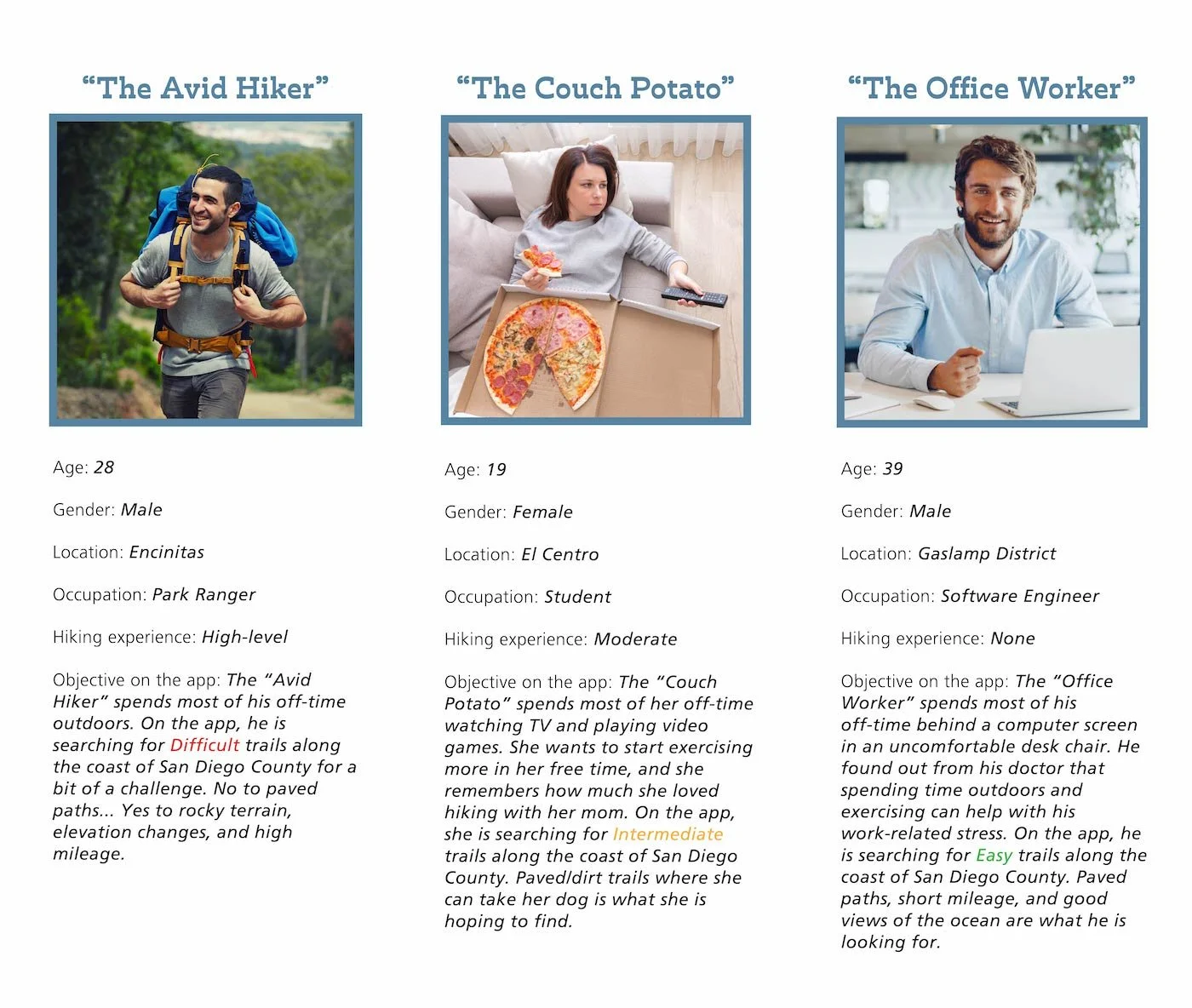
A major part of UI/UX design, especially mobile app design, is targeting specific user personas. I began by setting up three possible users of the SDCT app, taking inspiration from their specific needs to dictate how I set up my wireframe.
PRELIMINARY RESEARCH
SKETCHES

LOGOTYPE
I created a logotype using one stroke weight and colored it with three different earthy shades to correspond with the three separate sections of my SDCT app: Your Perfect Trail (blue), Trail Locations (brown), and Trail Reviews (green).

ICONS
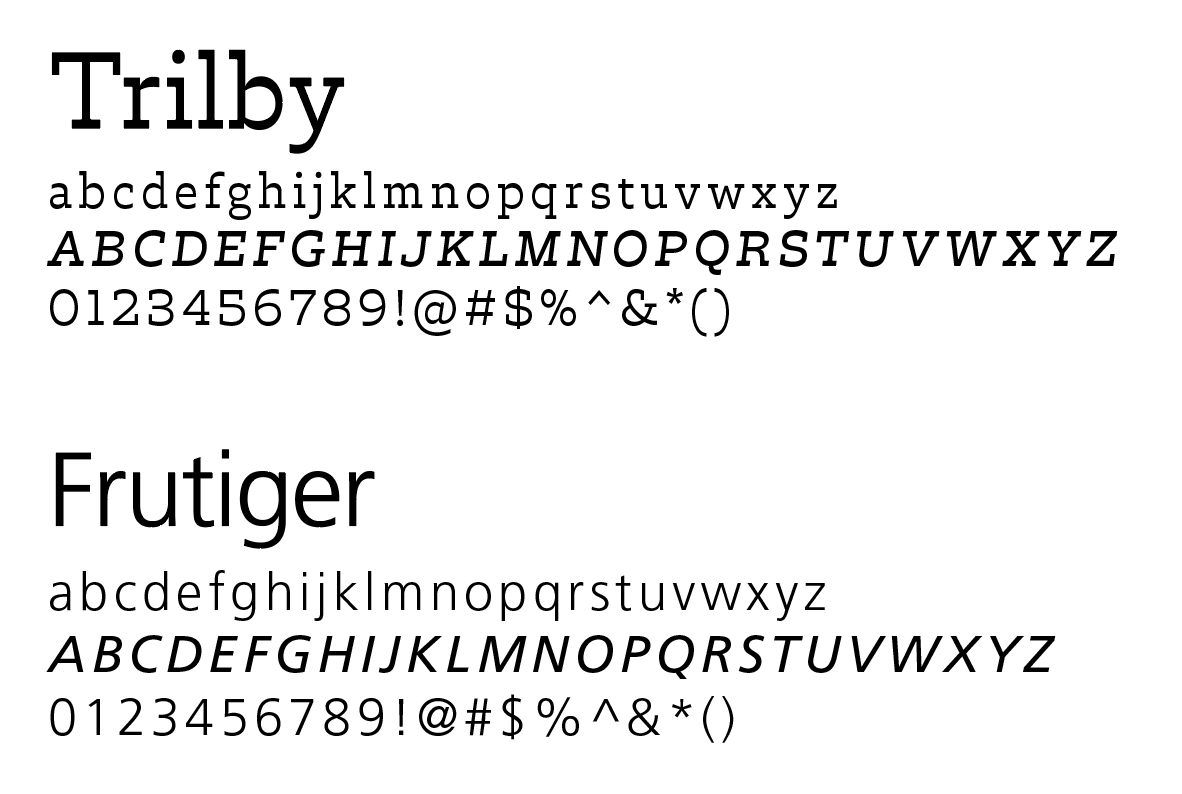
I chose a sharp slab serif font to pair with the harsh edges of the logotype and corresponding icons. I paired this with Frutiger, a clean, legible sans-serif.
TYPEFACES
LANDING PAGE
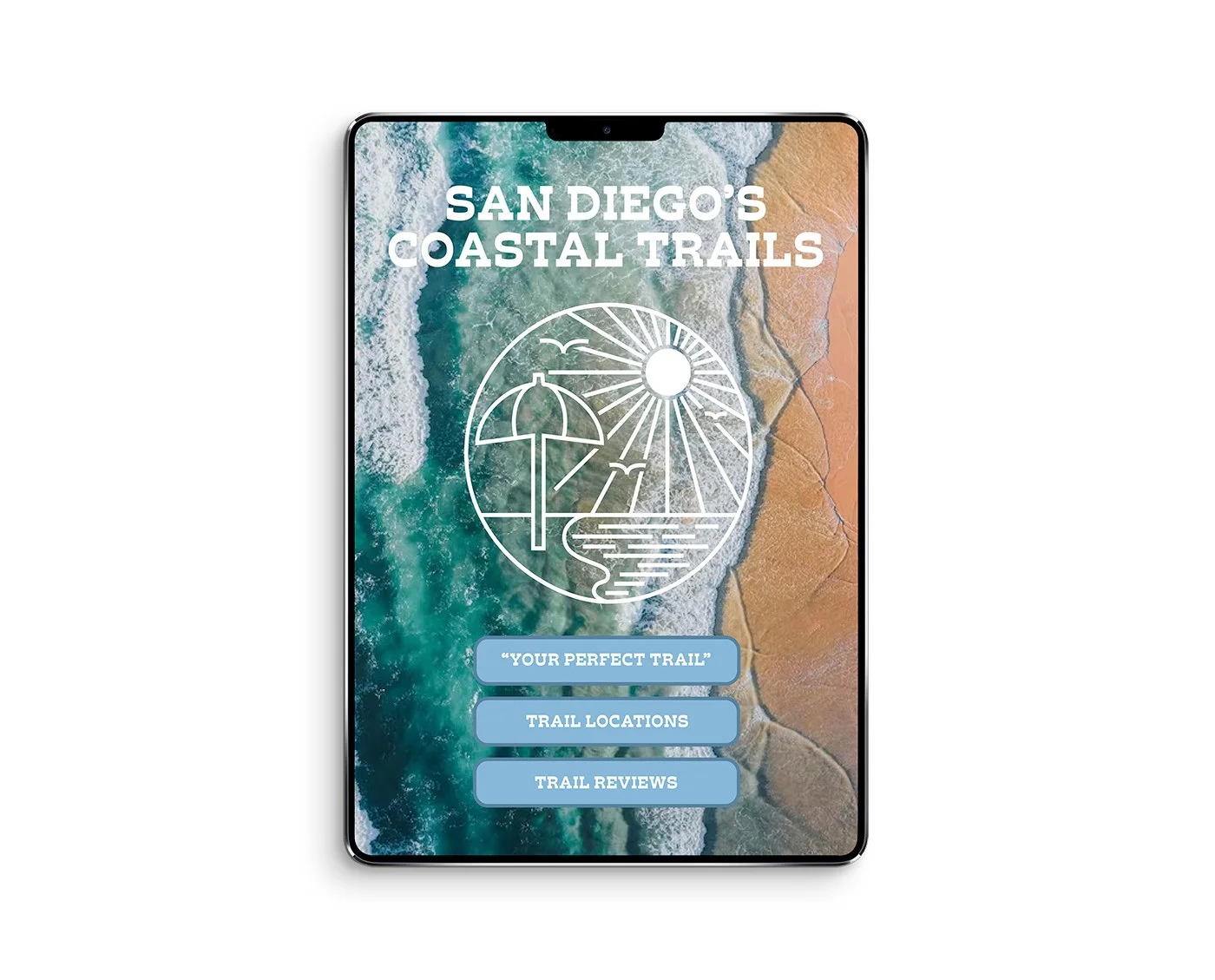
The color palette is eye-dropped from an image of the San Diego coastline, and paired with a bright, contrasting orange for the apps’ buttons.
COLOR SCHEME

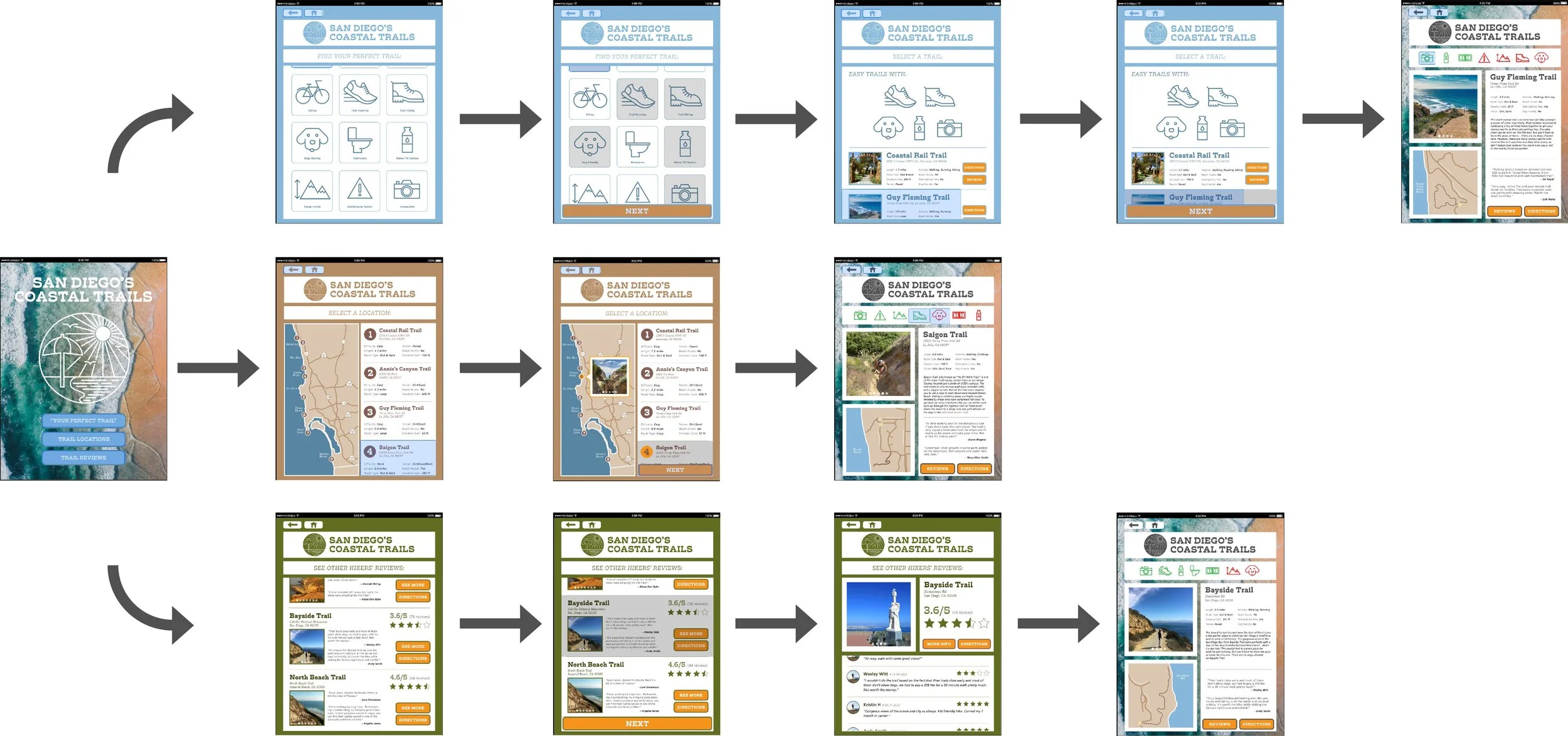
FINAL WIREFRAME
Your Perfect Trail
Trail Locations
Trail Reviews
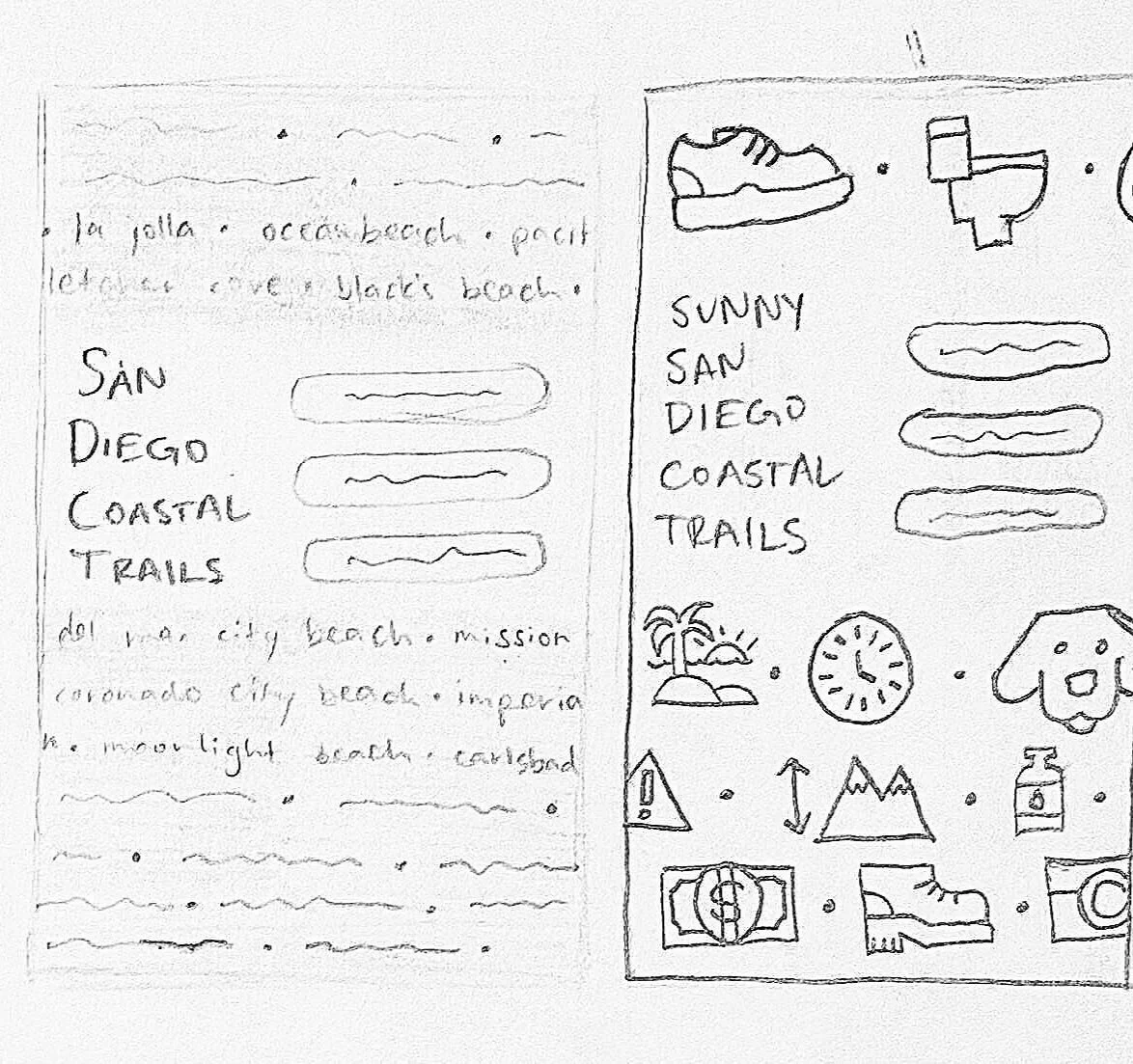
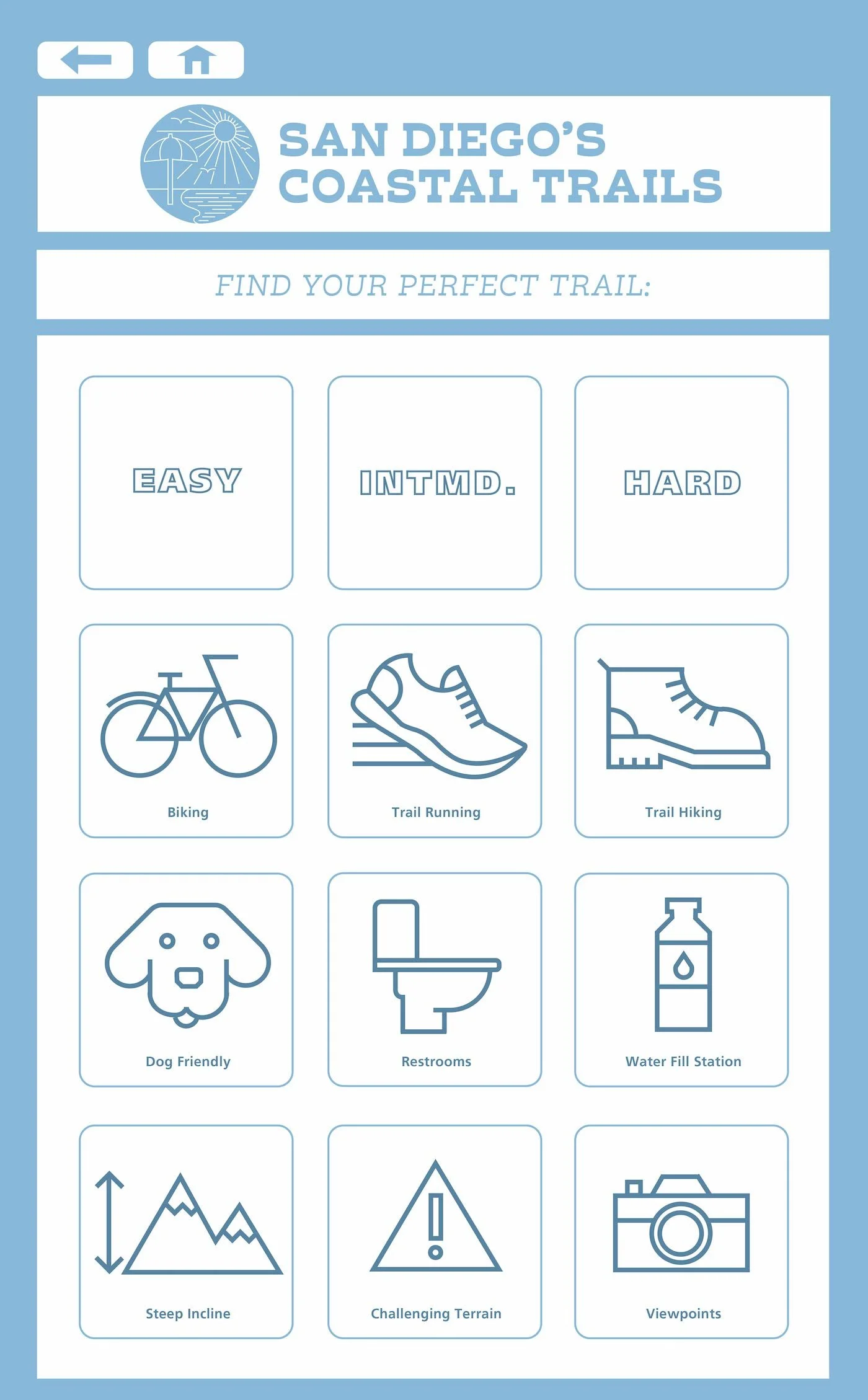
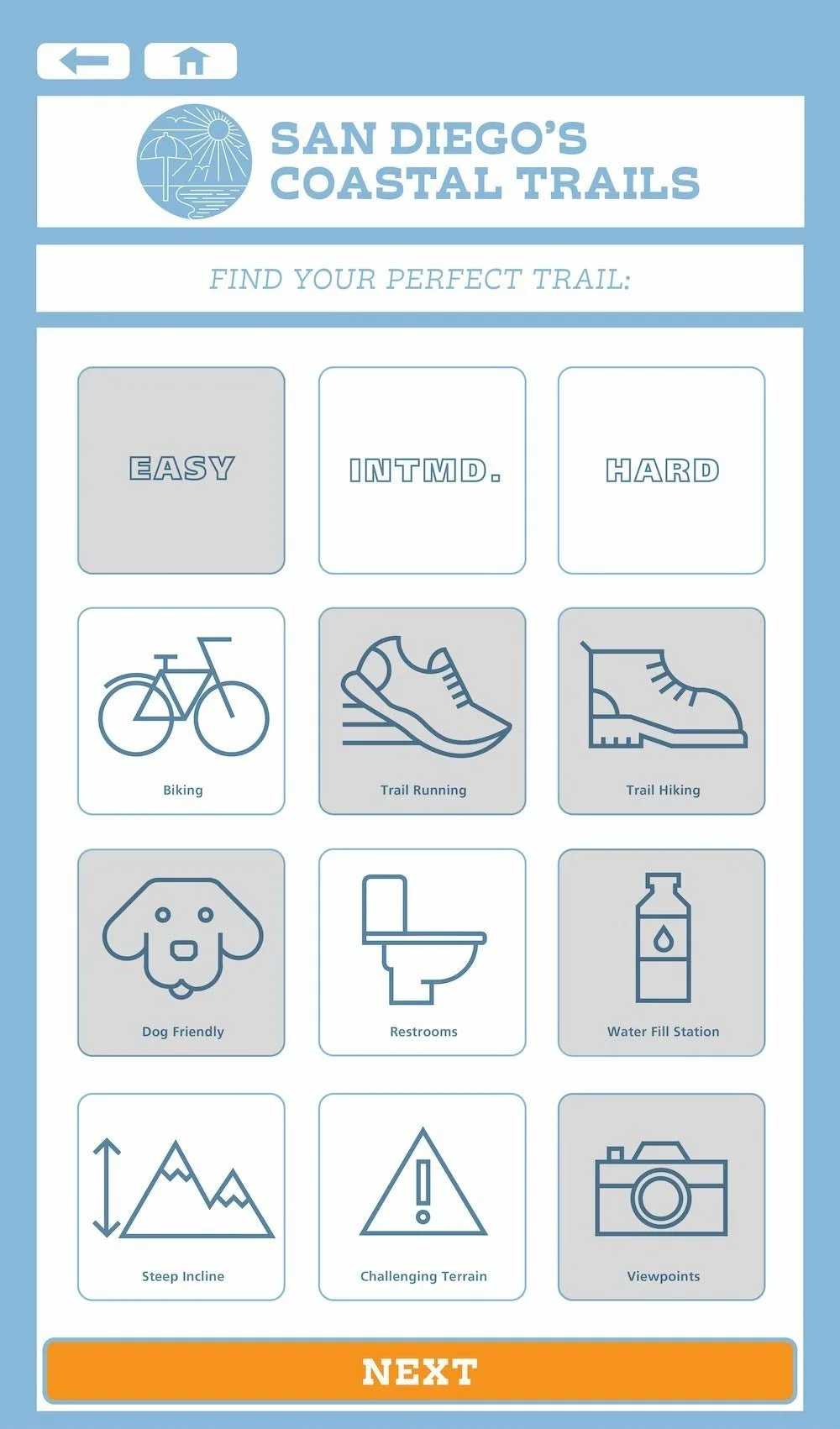
I knew that there was a wide variety of hiking ability and personal preference I would have to take into account when creating my pages. I decided to design a “Your Perfect Trail” page with vector icons to make it easy for any user to filter out their specific needs and find their ideal coastal hike.
YOUR PERFECT TRAIL
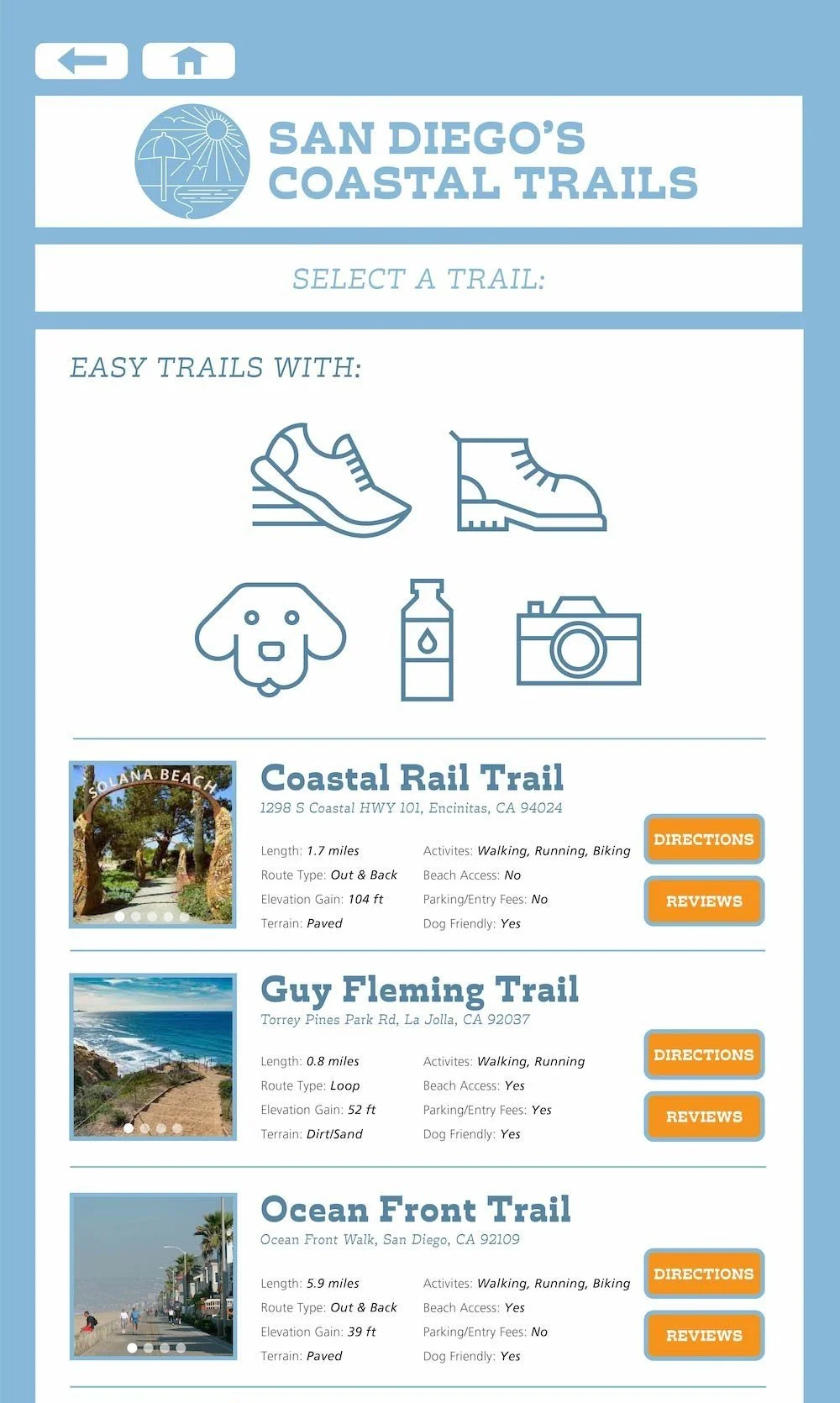
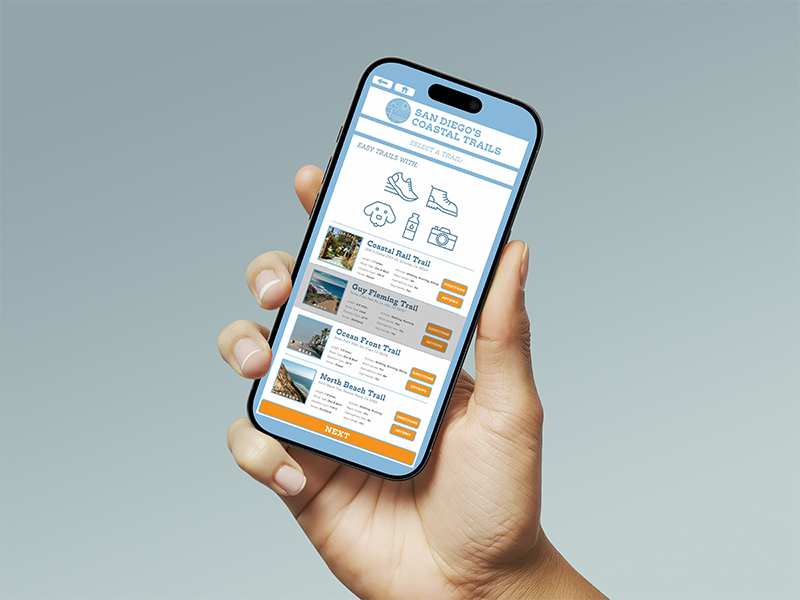
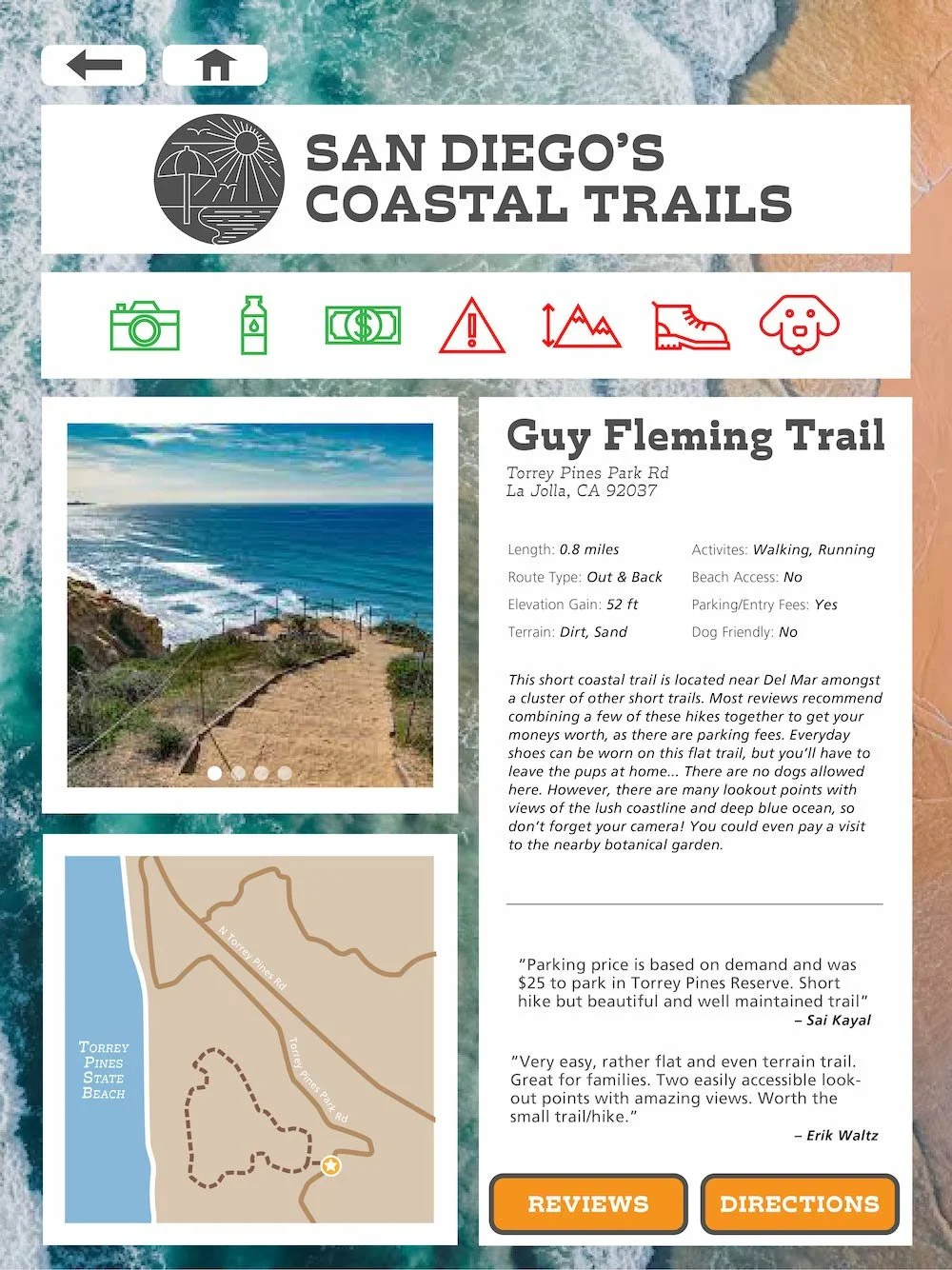
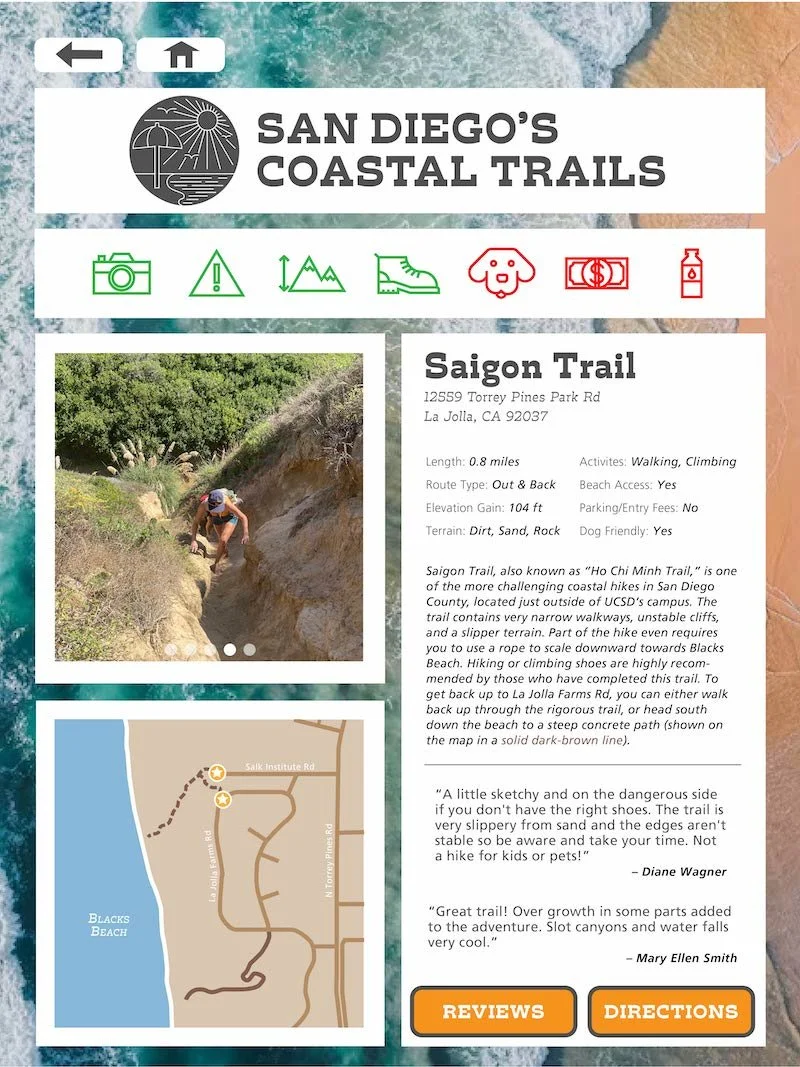
All navigation leads to a typeset informational page for each hike that implements all aspects found throughout the app: color coded icons, a photo carousel, a zoomed-in view of the trail location, an address, some basic trail information, and two hikers’ reviews.
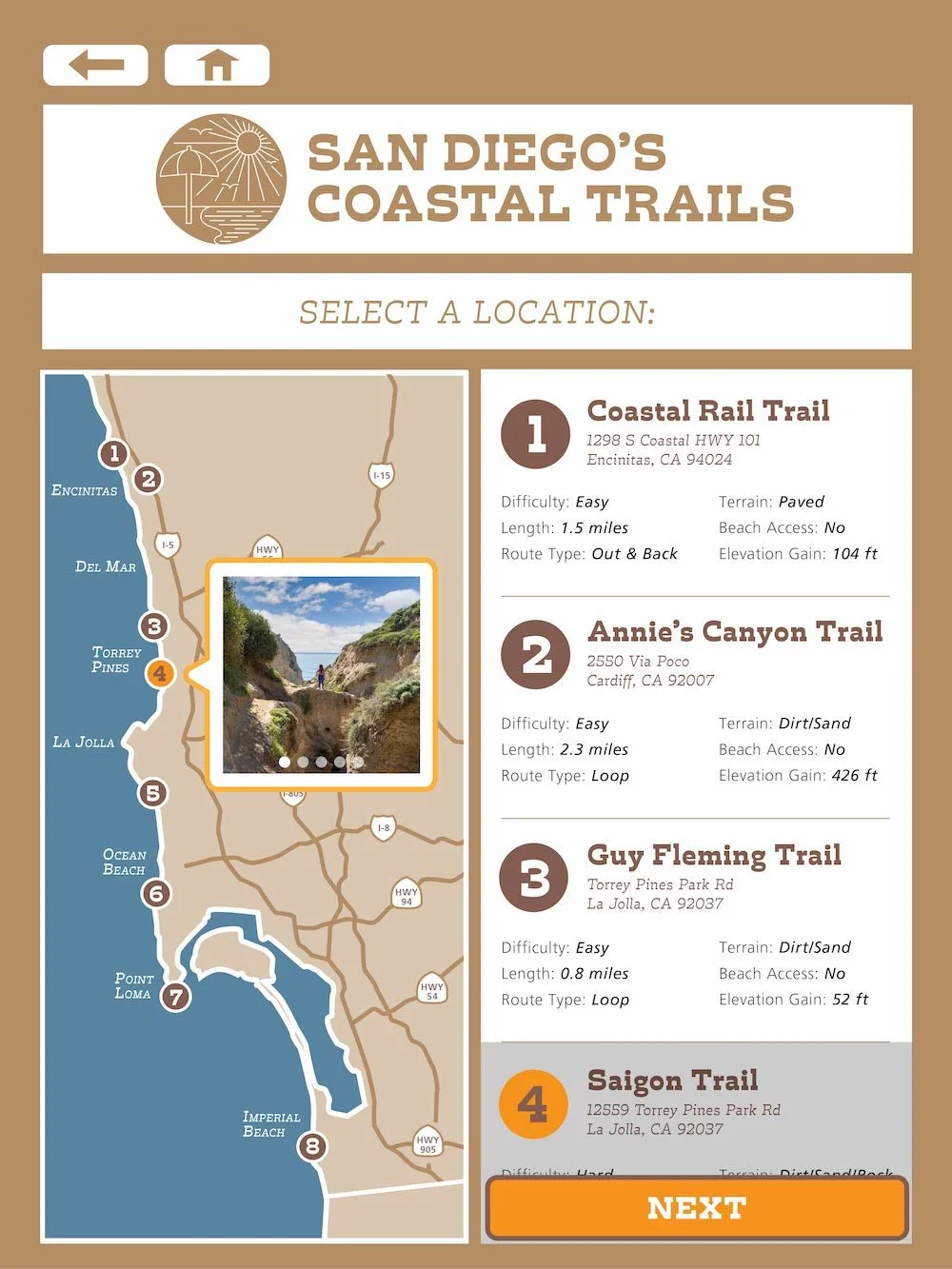
This section of the app includes a vectorized map of San Diego’s coast with nine pin locations to help users find trails based on proximity.
TRAIL LOCATIONS

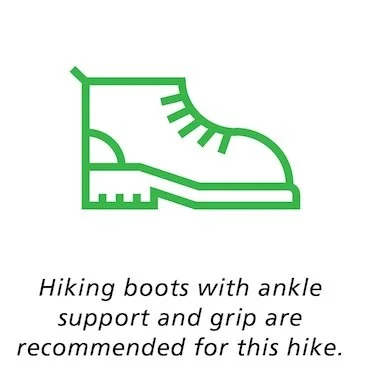
After initial testing, I was made aware that the row of green and red icons were somewhat confusing. I adapted by turning these icons into small buttons that, when clicked, provided a quick, informal explanation of the icon.


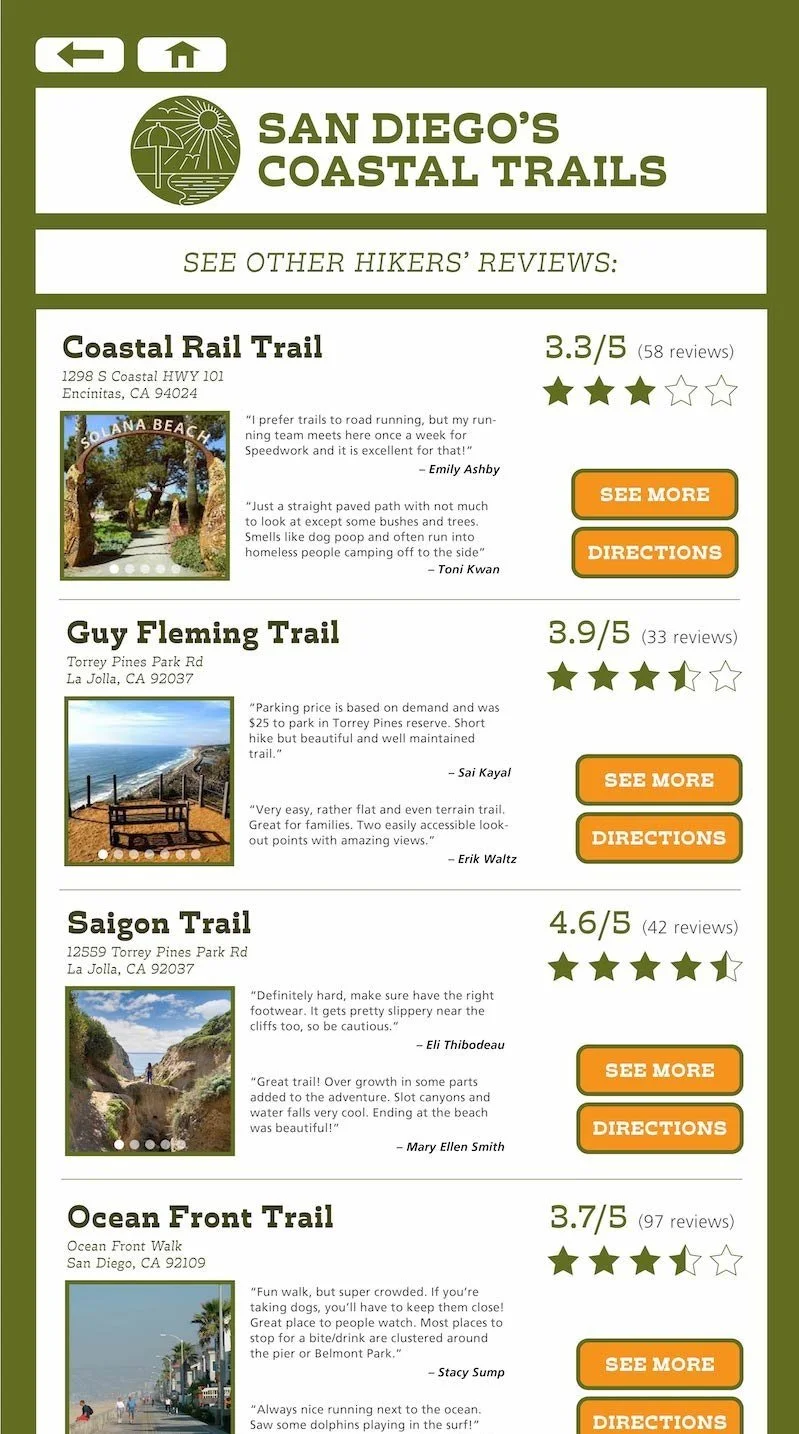
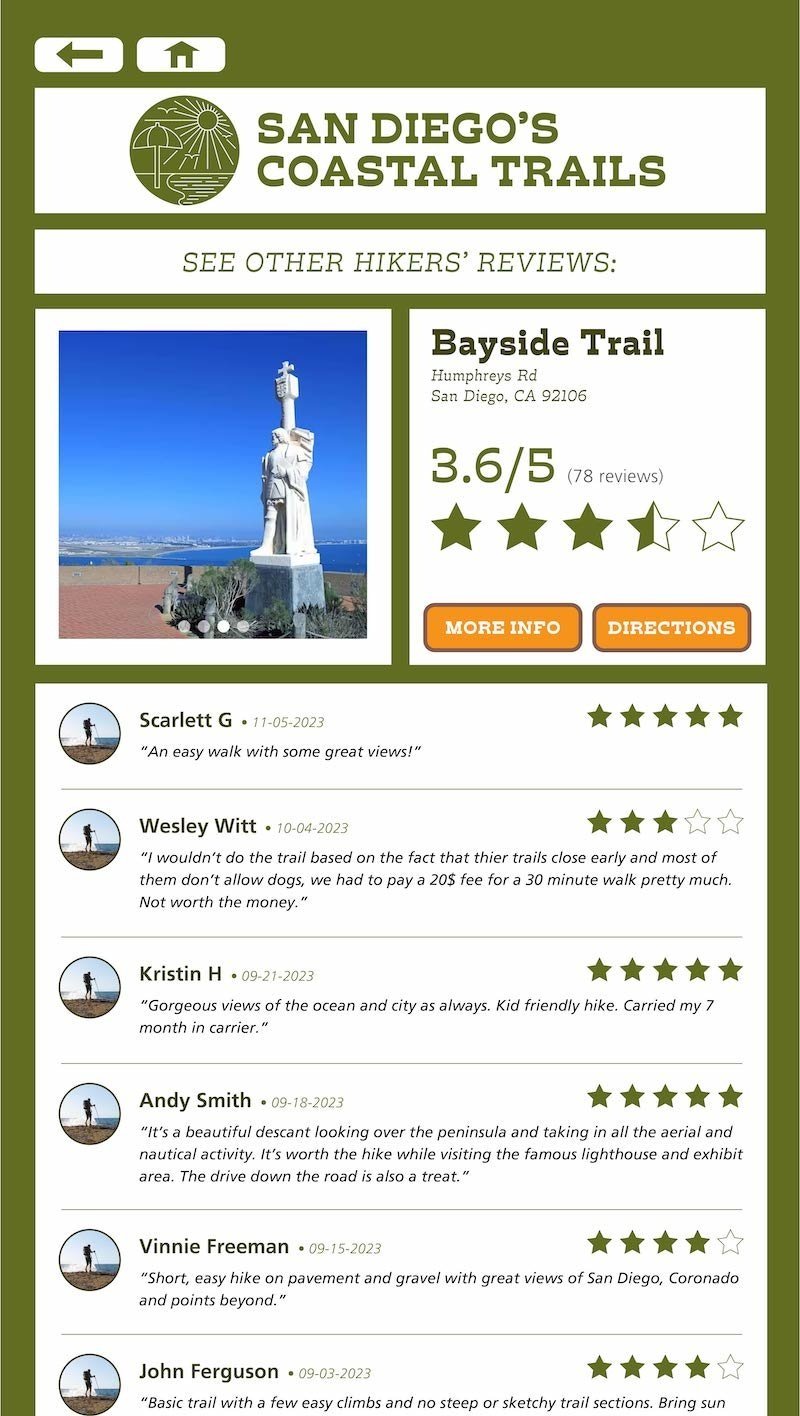
The final section of the app is a collection of reviews involving a five-star system for users to share their experience of each costal trail.
TRAIL REVIEWS